
Multi-Client Support
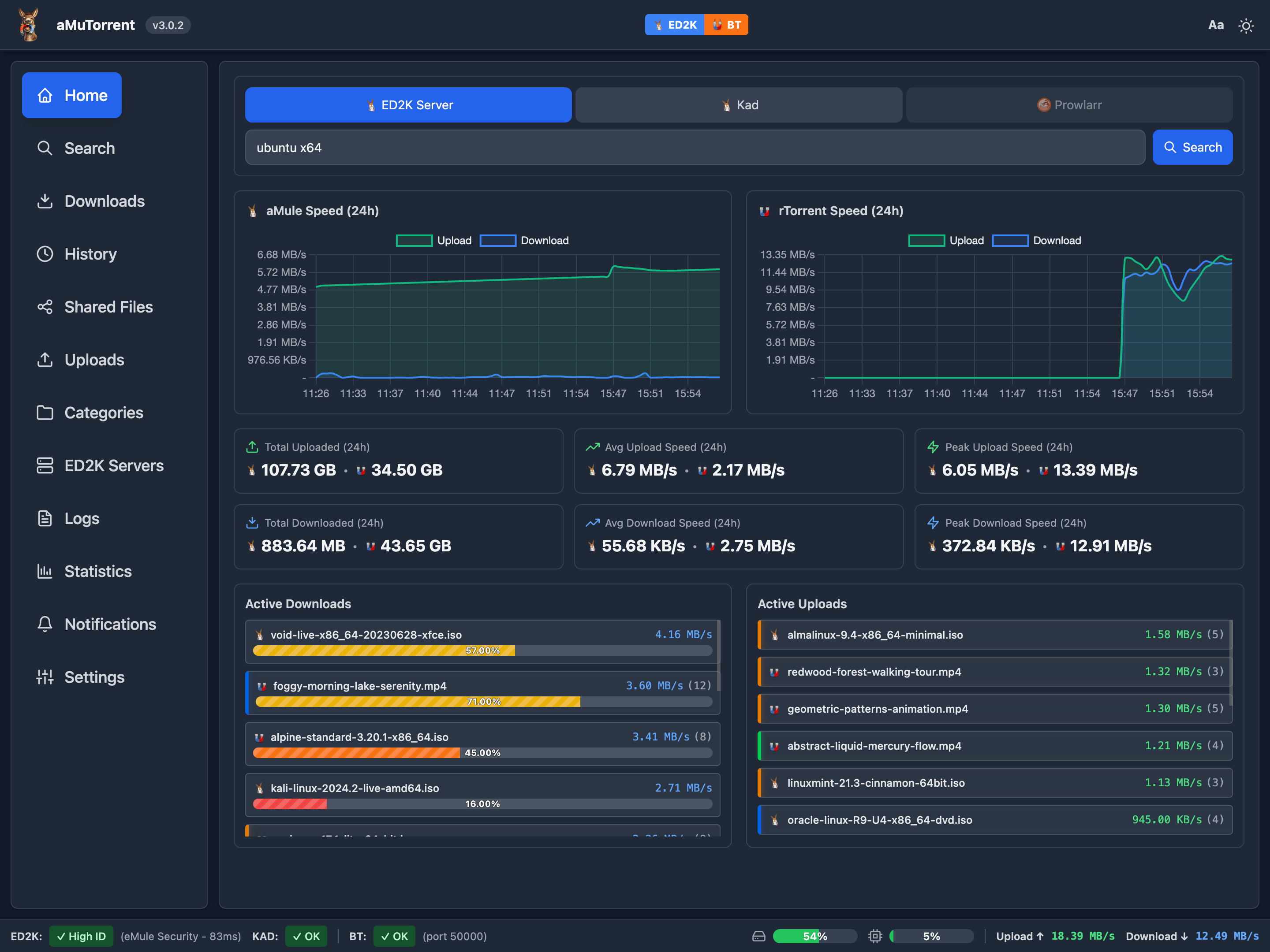
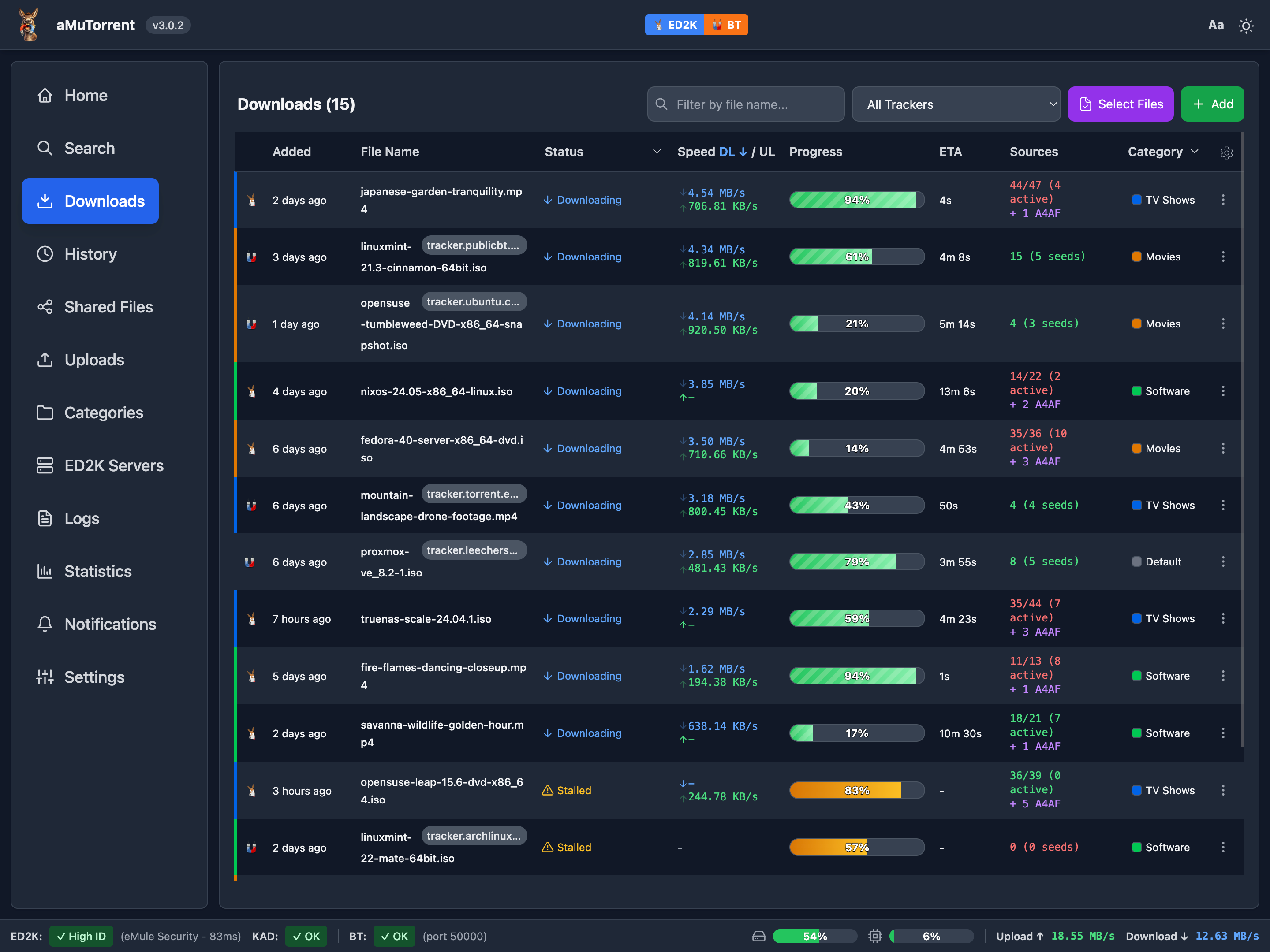
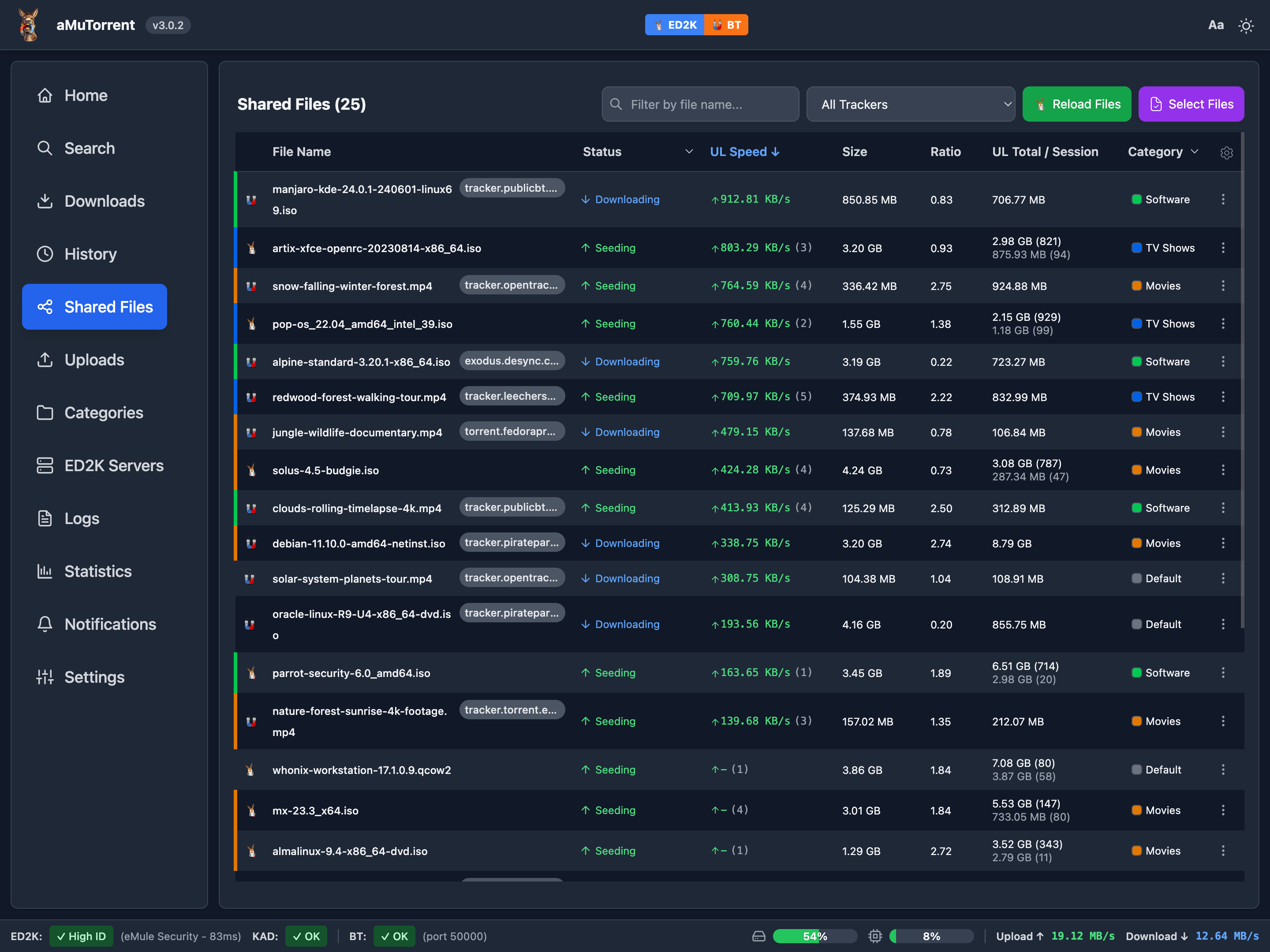
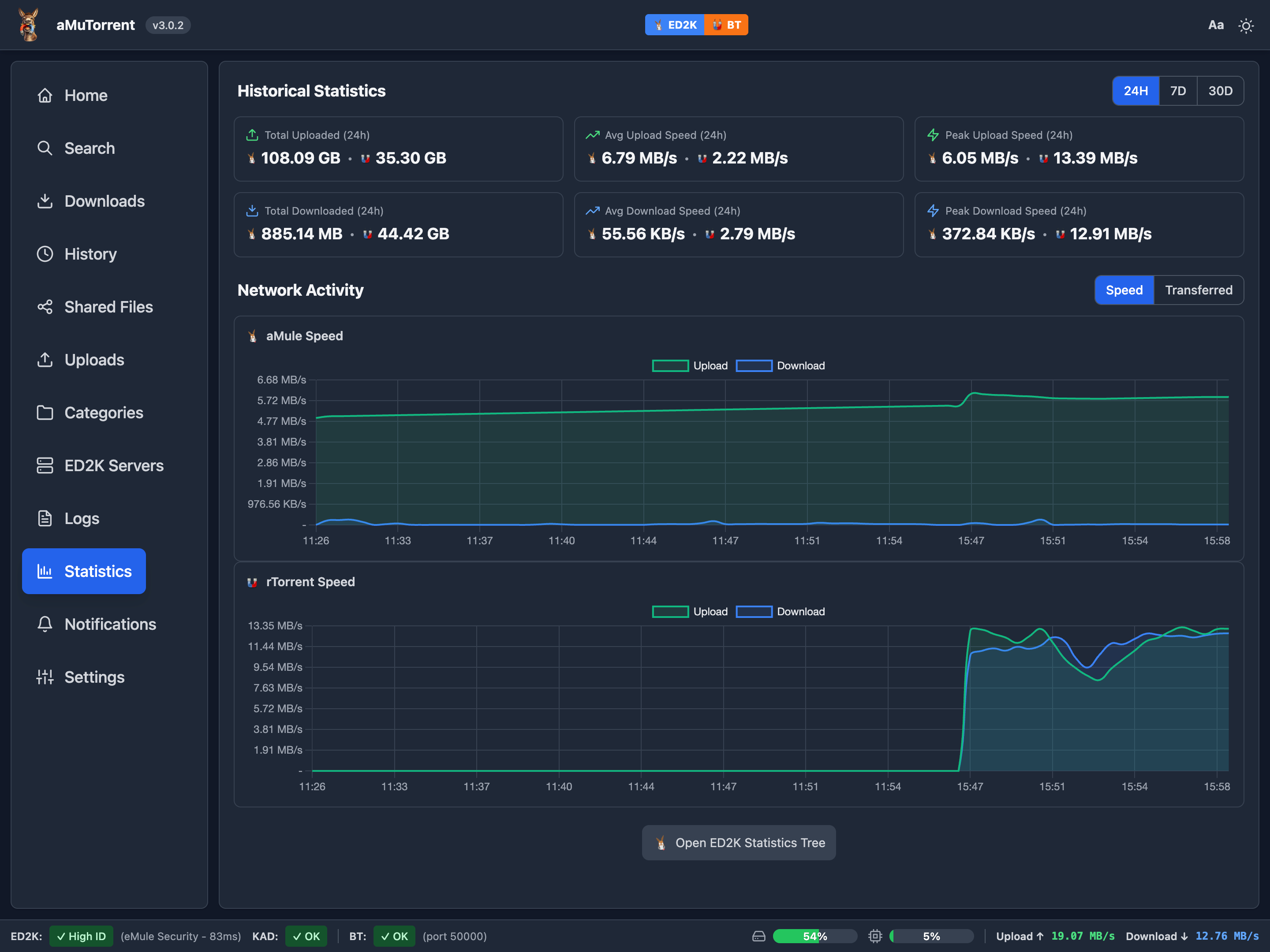
Manage aMule (ED2K), rTorrent, qBittorrent, Deluge, and Transmission from a single interface. Run multiple instances of each client simultaneously.

Multi-Client Support
Manage aMule (ED2K), rTorrent, qBittorrent, Deluge, and Transmission from a single interface. Run multiple instances of each client simultaneously.
User Management
Multi-user authentication with capability-based permissions. Control who can add, edit, or delete downloads. Trusted proxy SSO support.
Real-Time Updates
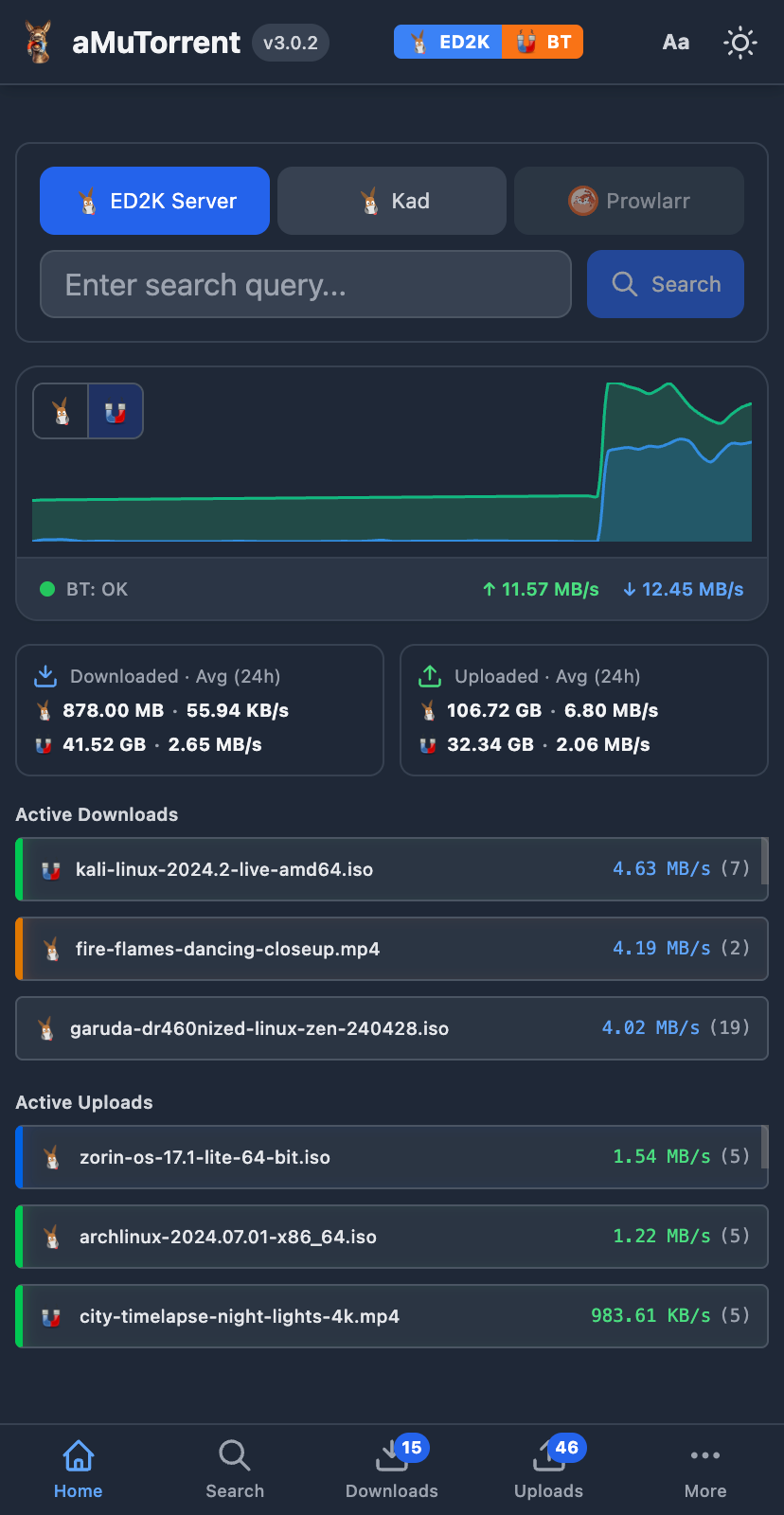
WebSocket-powered live updates for download progress, speeds, and peer information. No page refreshes needed.
Category Management
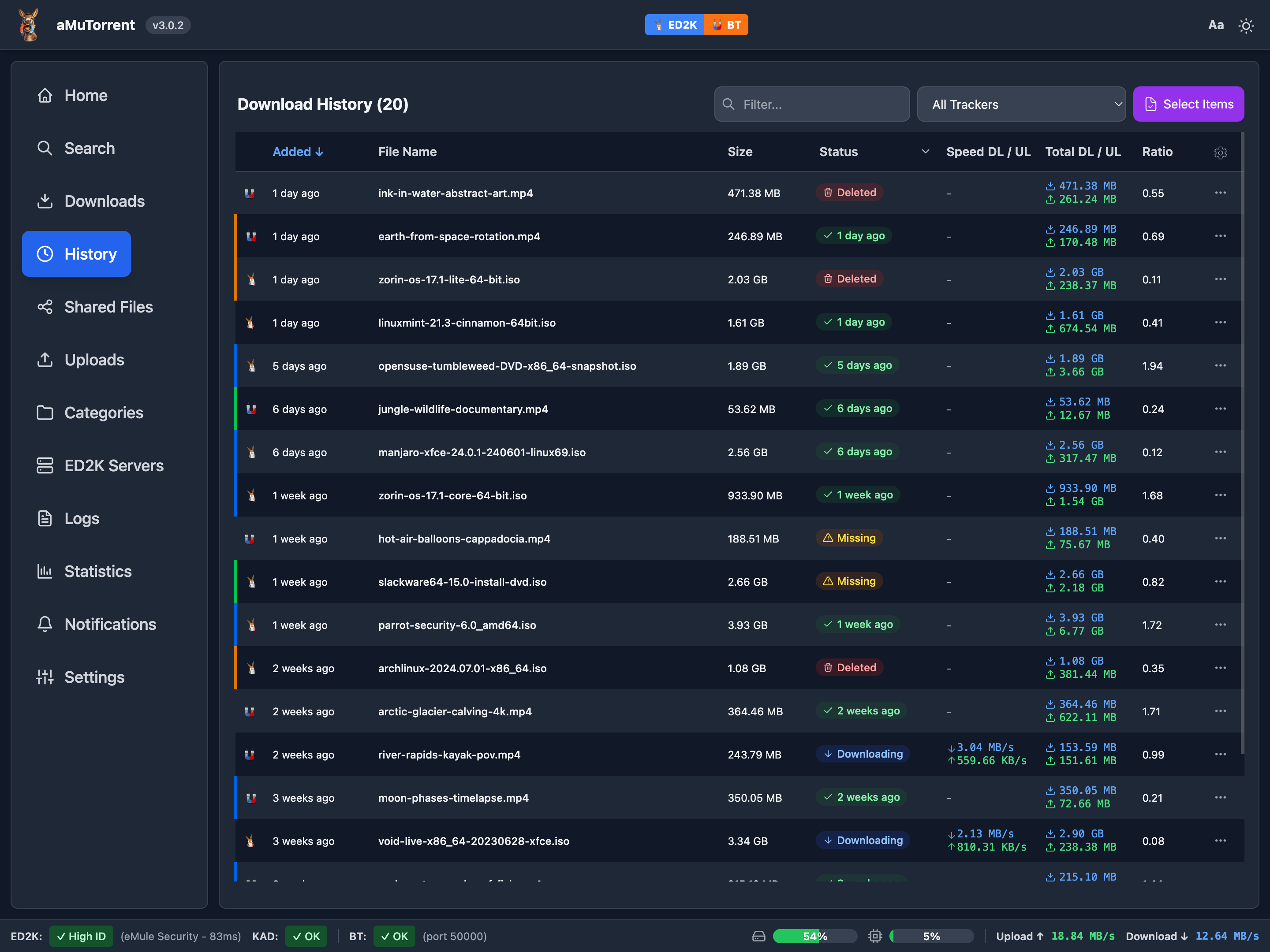
Organize downloads with categories. Automatic path assignment and category-based file organization across all clients.
Arr Integration
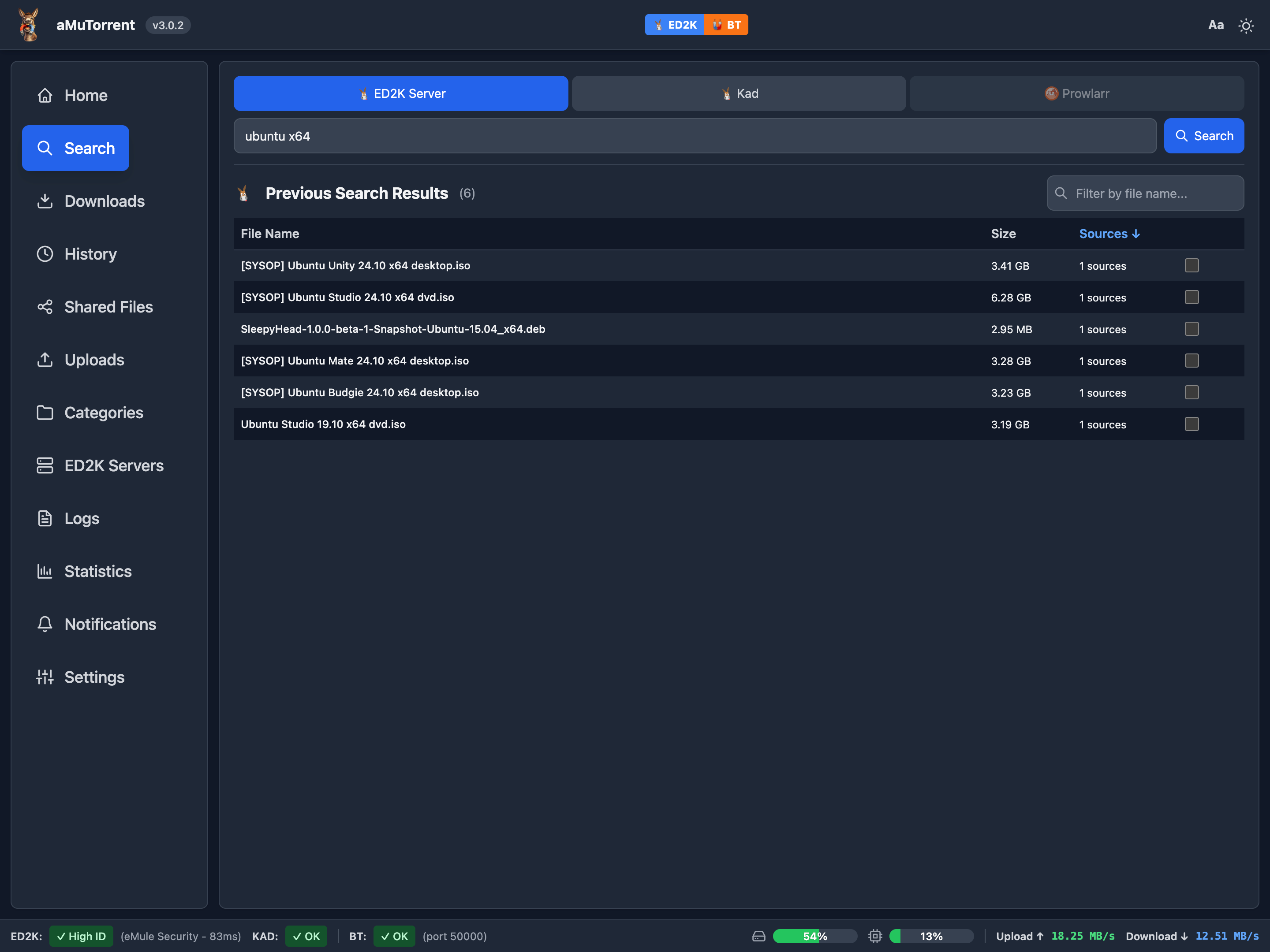
Native integration with Sonarr, Radarr, and Prowlarr. Search for content and auto-trigger missing episode/movie searches.
Push Notifications
Get notified via Discord, Telegram, Slack, Pushover, ntfy, and 80+ other services using Apprise integration.
 Home
Home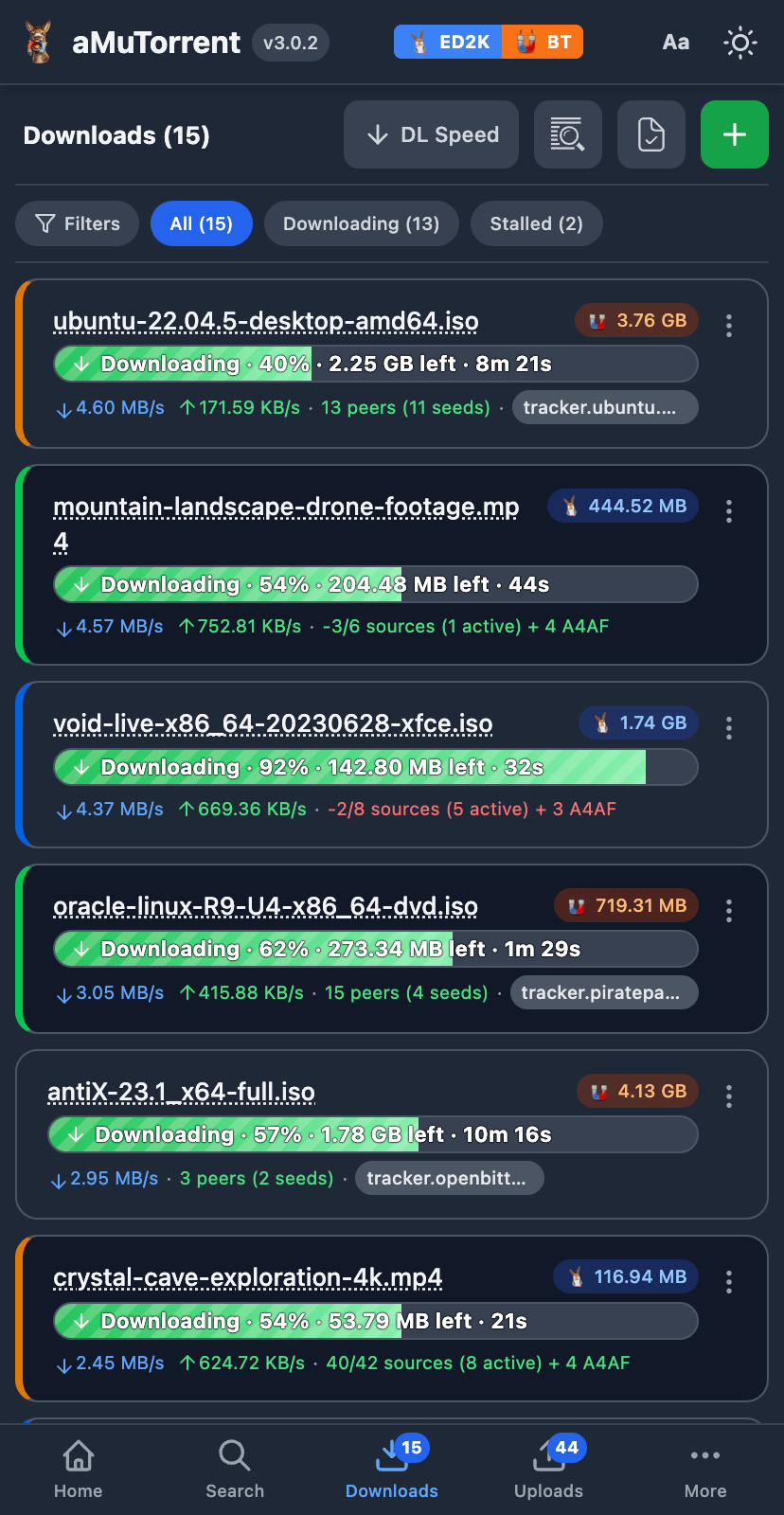 Downloads
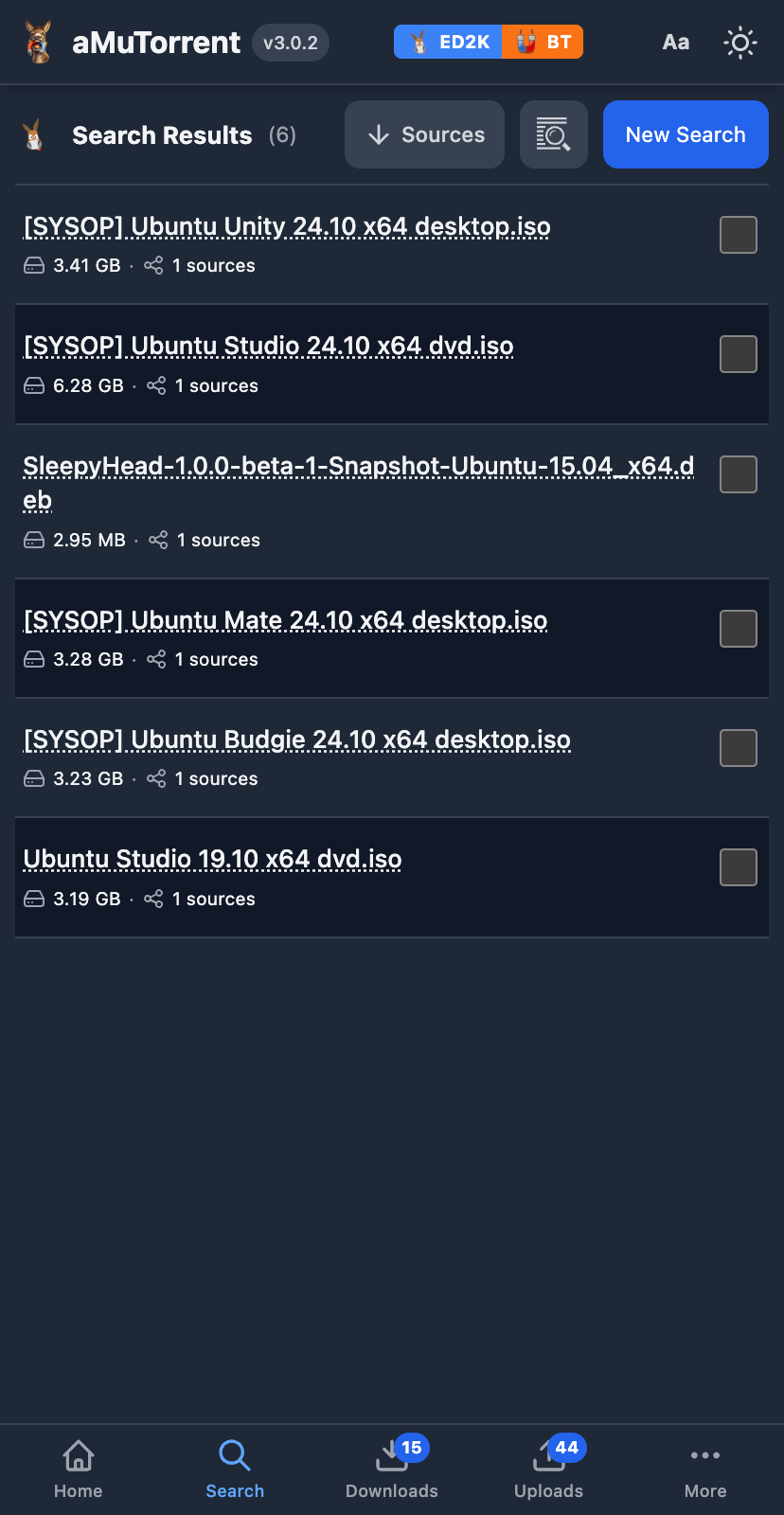 Search
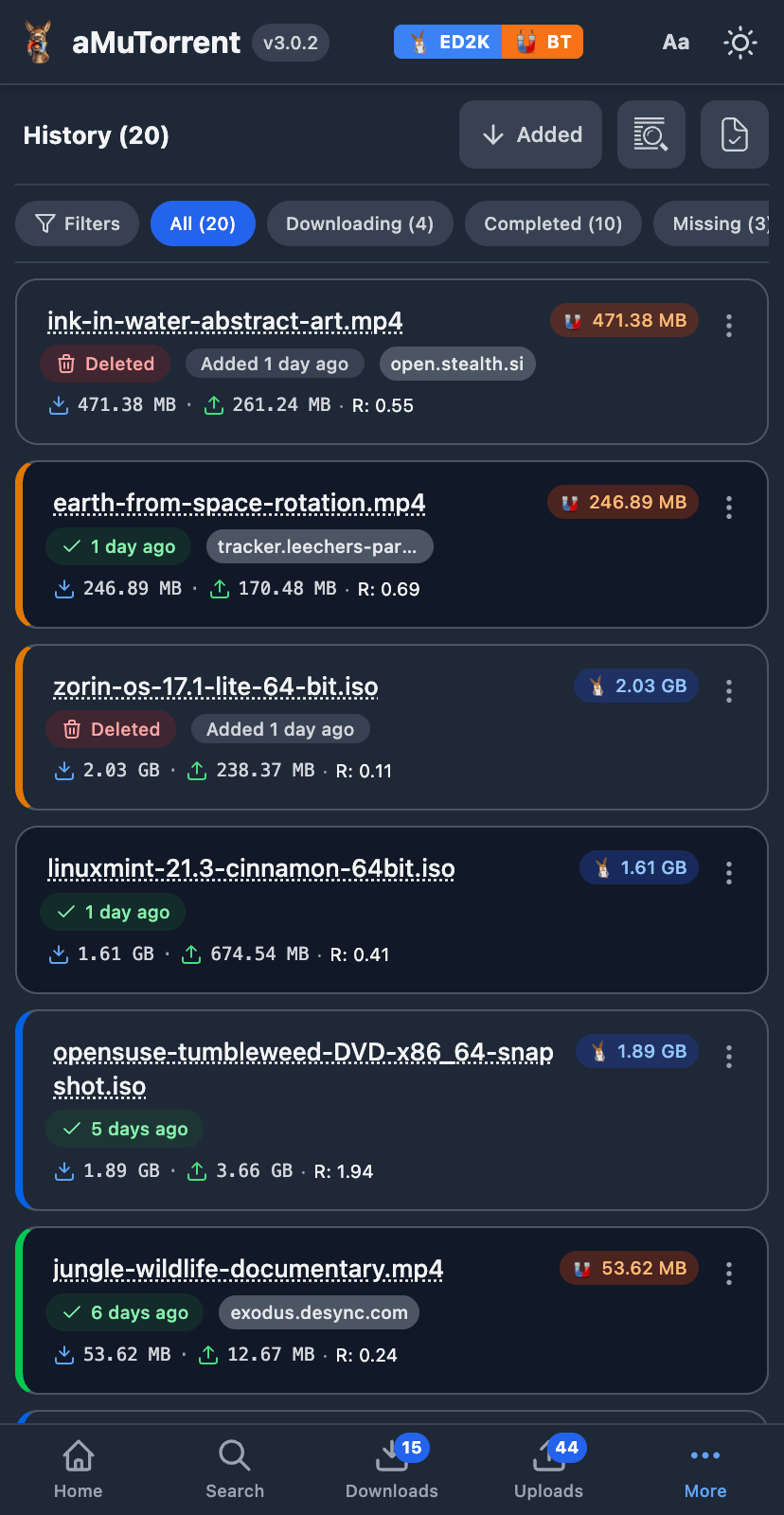 History
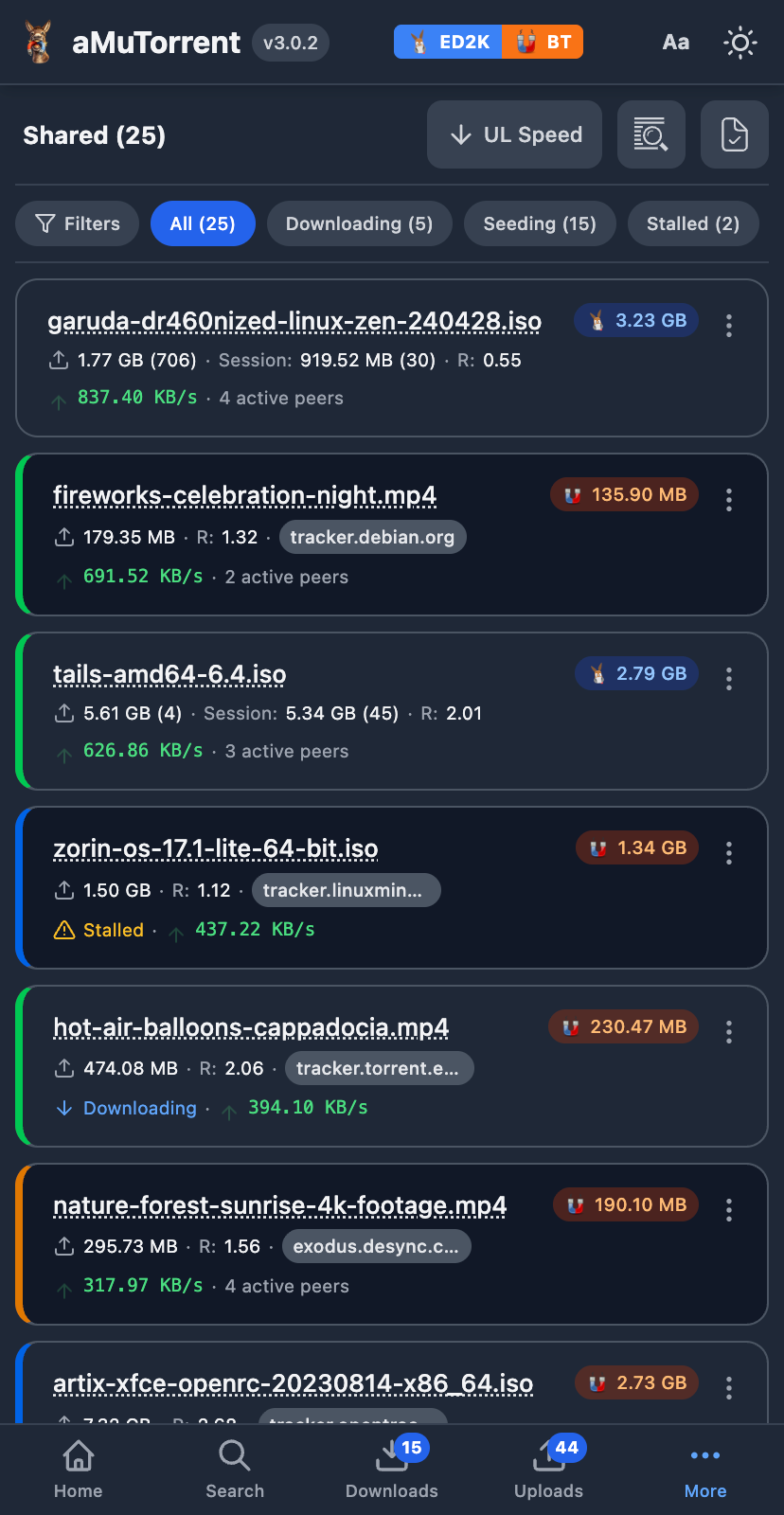 Shared
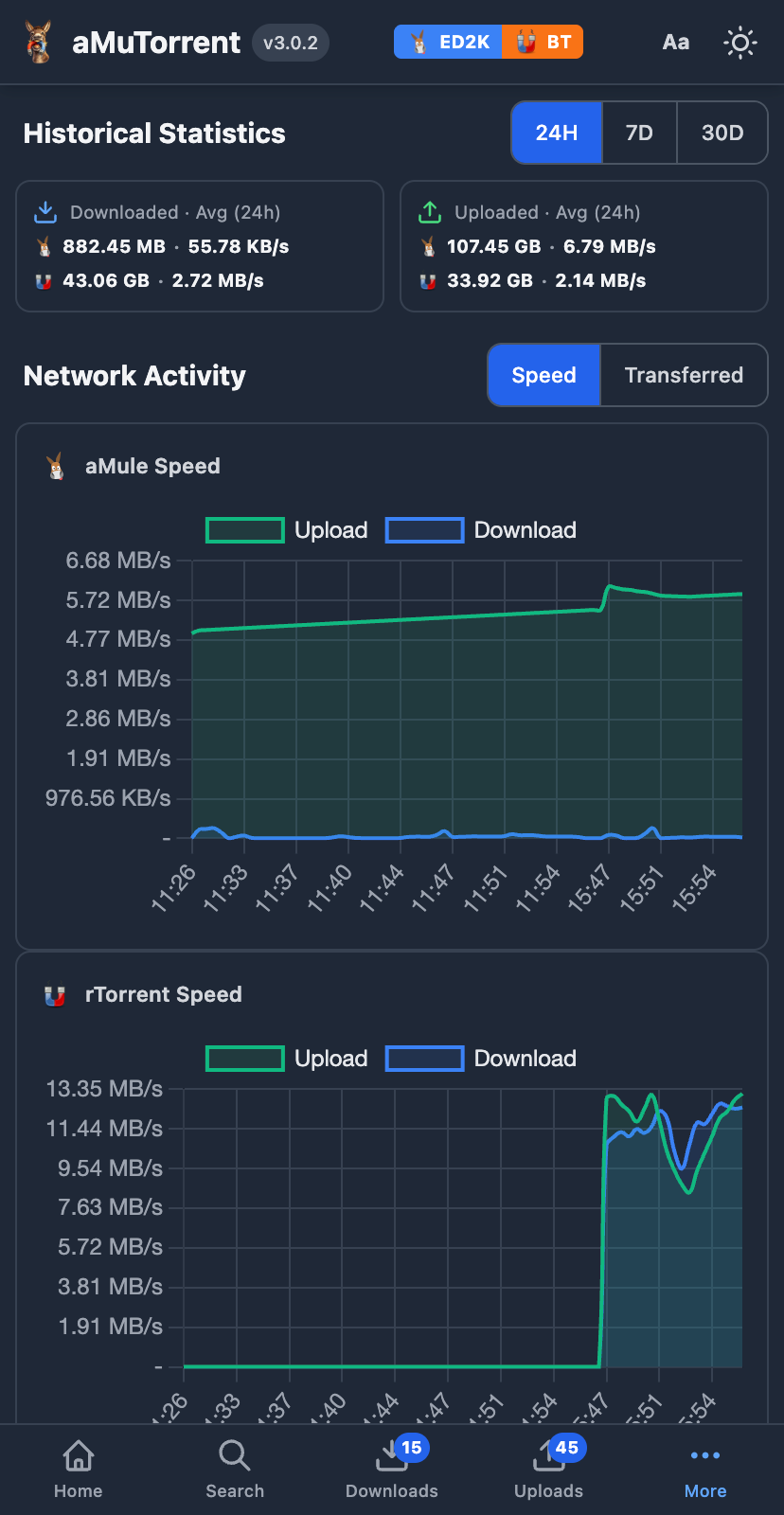 Statistics
services: amutorrent: image: g0t3nks/amutorrent:latest user: "1000:1000" container_name: amutorrent ports: - "4000:4000" environment: - NODE_ENV=production - PORT=4000 extra_hosts: - "host.docker.internal:host-gateway" volumes: - ./logs:/usr/src/app/server/logs - ./data:/usr/src/app/server/data restart: unless-stoppedmkdir -p data logs && sudo chown -R 1000:1000 data logsdocker compose up -dOpen http://localhost:4000 and follow the setup wizard.
git clone https://github.com/got3nks/amutorrent.gitcd amutorrentcd server && npm install && cd ..npm install && npm run buildnode server/server.js